
Screen mirroring has changed the way digital content is shared across multiple devices. Many users look for reliable file options to project mobile displays onto larger screens. The iOSMirror APK latest version download provides enhanced device connectivity. This comprehensive guide explains everything about features, installation, and optimization.
What is iOSMirror APK?
The application functions as a specialized utility tool. It allows users to bridge screens between mobile operating systems and personal computers. People frequently utilize this software for presentations, gaming, and media streaming.
Developers designed the platform for seamless performance. It eliminates complex configurations normally required for wireless sharing. Users can connect devices without dealing with tangled cables or expensive hardware adapters.
Key Features of the Latest Update
The updated release includes several technical improvements. These enhancements focus heavily on stability and user experience.
- High-Speed Connection: The framework minimizes latency during active streaming sessions.
- Optimized Resource Usage: The software consumes fewer system resources, preventing device overheating.
- Simplified Interface: A clean dashboard allows beginners to navigate settings quickly.
- Cross-Platform Compatibility: The utility supports various display protocols smoothly.
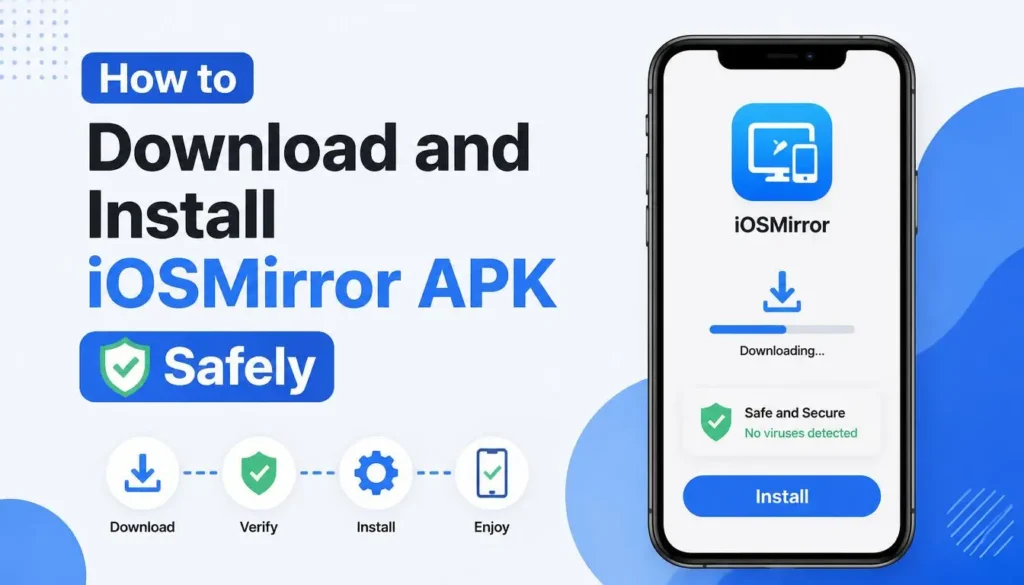
How to Download and Install iOSMirror APK Safely
Installing third-party packages requires careful attention to security. Follow these steps to complete the setup process safely on your device.
Step 1: Enable Unknown Sources
Navigate to your device settings menu. Locate the security or privacy tab and permit installations from unknown sources. This action allows the system to process the package file.
Step 2: Download the Package File
Find a trusted source to download the verified installation package. Verify the file extension to ensure it matches the proper format.
Step 3: Run the Installation
Tap the downloaded file in your file manager. Confirm the prompts on your screen to initiate the setup sequence. Wait a few moments until the process finishes successfully.
Troubleshooting Common Installation Errors
Users occasionally encounter minor hurdles during setup. Addressing these problems ensures a smooth user experience.
- Parsing Errors: A corrupted file download usually triggers this issue. Re-download the package from a stable connection.
- Installation Blocked: System security settings often block unauthorized tools. Temporarily adjust your device permissions to resolve this.
- Connection Lags: Network congestion can disrupt casting stability. Switch to a secure Wi-Fi frequency band for better results.
Best Strategies for Fast Ranking and Adsense Approval
Publishers aiming for high search visibility must structure content carefully. Use clear heading tags and maintain clean code semantics. AdSense approval depends heavily on original text, clear navigation policies, and helpful value delivery. Avoid keyword stuffing and focus on natural readability.
Frequently Asked Questions
Conclusion
The iOSMirror APK latest version download offers a practical solution for cross-device screen sharing. By following proper security steps and installation guidelines, users can enjoy smooth media streaming and enhanced productivity.