
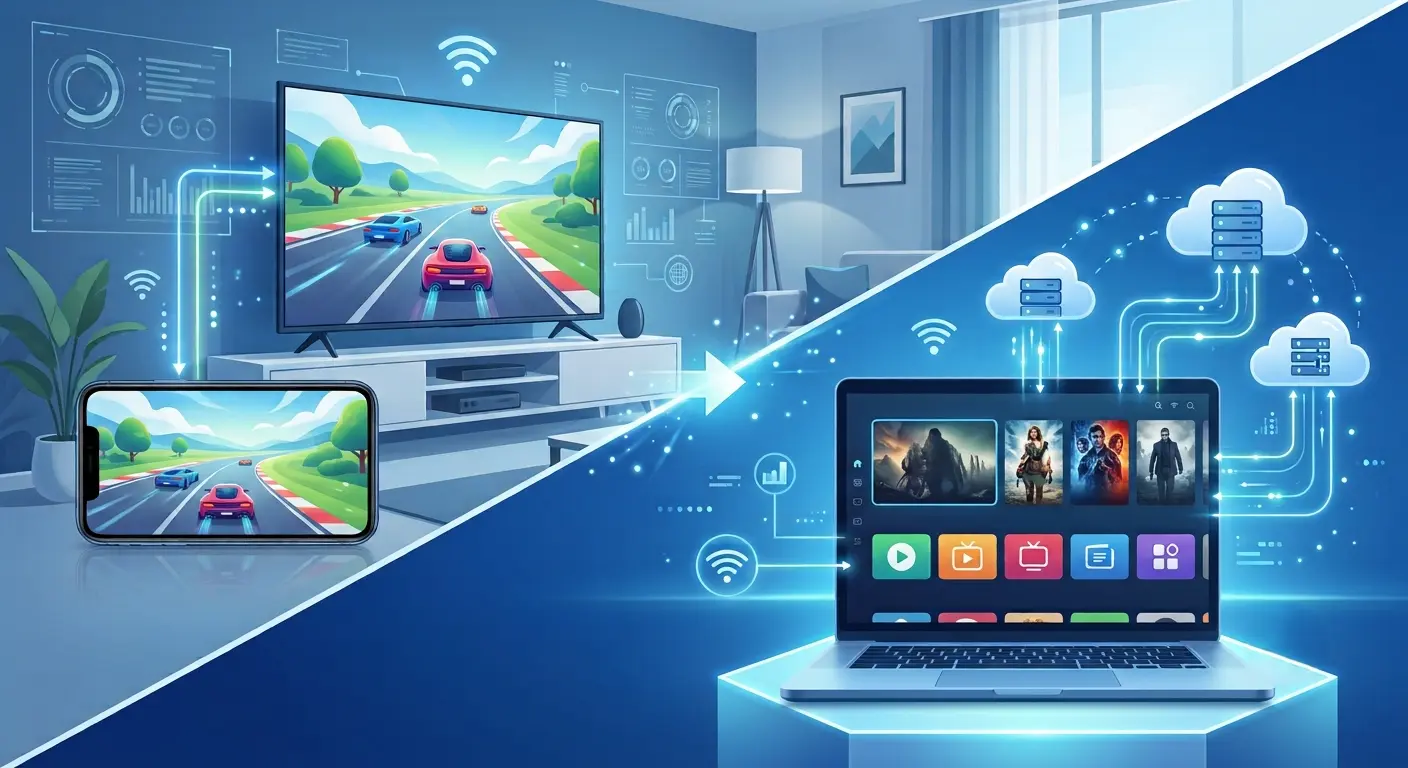
When choosing between iOSMirror vs NetMirror, understanding their core differences helps you pick the right software for your setup. Screen mirroring and streaming solutions have changed how we consume content across devices. You might want to cast mobile games onto a bigger monitor. Alternatively, you may want to stream HD movies without annoying buffering. Finding the right tool makes a huge difference in overall speed and performance.
Two popular solutions frequently come up in user discussions: iOSMirror and NetMirror. Both platform services promise seamless connectivity and smooth streaming. However, they serve slightly different core purposes and target different user demands.
This comprehensive comparison breaks down feature sets, user experience, and streaming performance. We will evaluate both tools head-to-head so you can pick the best option for your setup.
Understanding the Basics: What Are iOSMirror and NetMirror?
Before diving into detailed technical specs, we should understand what each tool actually offers. While their names sound similar, their primary features address distinct entertainment needs.
What is iOSMirror?
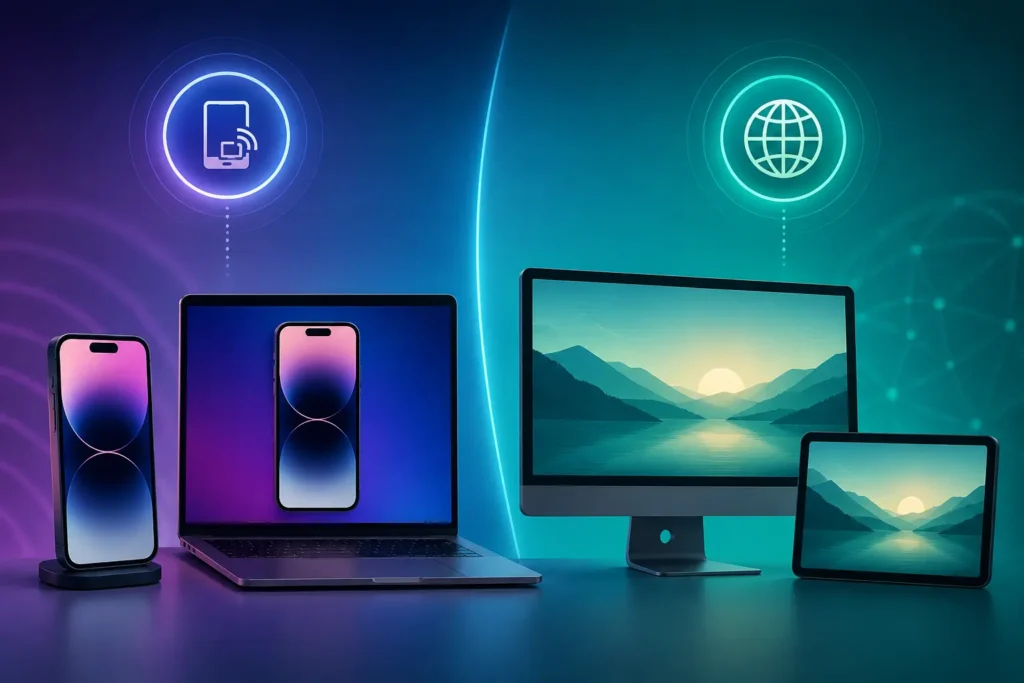
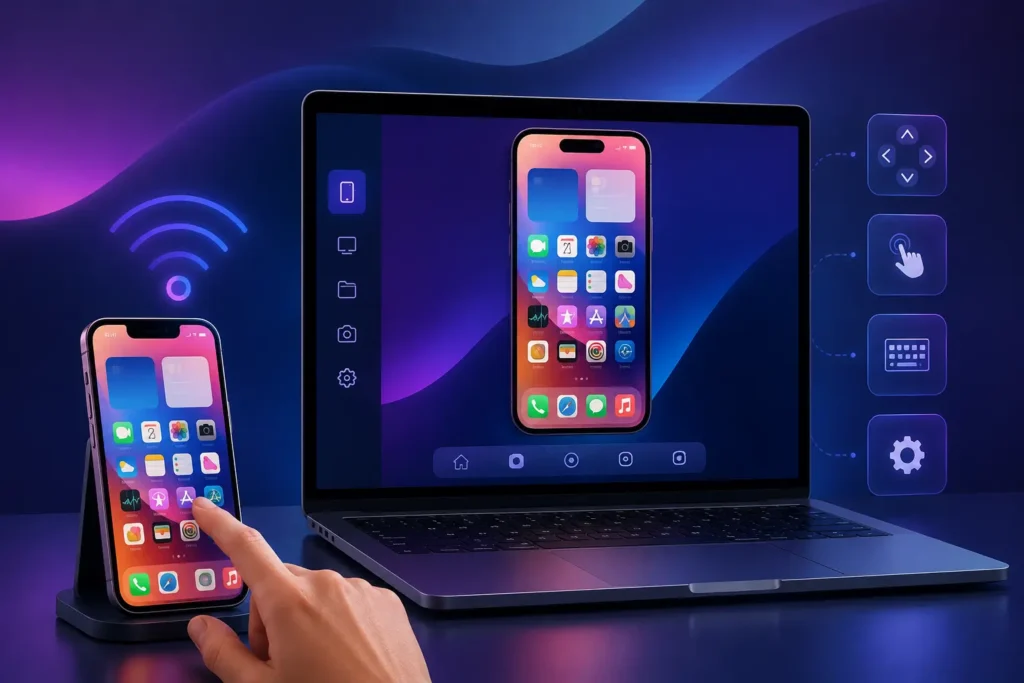
iOSMirror specializes in high-speed display mirroring and system integration across Apple devices and external screens. It allows users to mirror iPhone or iPad displays directly onto PC monitors, smart TVs, or Mac computers.
- Primary Function: Real-time device display mirroring and screen sharing.
- Core Audience: Mobile gamers, office presenters, educators, and media streamers.
- Key Advantage: Ultra-low latency transmission with high-frame-rate rendering.
iOSMirror excels at preserving screen resolution during active casting sessions. Users can effortlessly display documents, play action-packed mobile games, or record smartphone displays on a desktop.
What is NetMirror?
NetMirror functions primarily as a cross-platform streaming aggregator and video mirror hub. It mirrors content feeds from major OTT streaming networks into a unified dashboard.
- Primary Function: Video streaming collection and movie link aggregation.
- Core Audience: Movie lovers, series bingers, and live TV enthusiasts.
- Key Advantage: Centralized access to diverse media catalogs without platform switching.
Instead of projecting your physical phone hardware onto a laptop, NetMirror connects you to streaming media library mirrors. It focuses on media delivery rather than active hardware control.
Key Feature Comparison: iOSMirror vs NetMirror
Comparing iOSMirror vs NetMirror requires looking at user controls, protocol stability, and general utility. Here is a quick breakdown of how they compare side by side:
| Feature Dimension | iOSMirror | NetMirror |
| Primary Focus | Screen Mirroring & Hardware Casting | OTT Media Streaming & Aggregation |
| Latency / Lag | Extremely Low (Real-time) | Depends on internet connection speed |
| Platform Support | iOS, iPadOS, macOS, Windows | Web, iOS, Android, Smart TV |
| Audio Syncing | Direct System Audio Pass-through | Built-in Media Player Sync |
| Best Used For | Gaming, Presentations, App Demoing | Binge-watching Movies & Shows |
Performance and Connection Stability
Performance remains the most critical factor when choosing display tools. Choppy framerates or audio desynchronization can ruin any experience.
iOSMirror Casting Speed
iOSMirror uses direct AirPlay protocols combined with hardware acceleration. Because of this design, frame drops rarely occur during local wireless transmissions. Gamers can rely on high refresh rates, making real-time navigation feel crisp and natural. Wireless pairing completes within seconds over local Wi-Fi networks.
NetMirror Streaming Quality
NetMirror relies heavily on external host servers for media delivery. When your home bandwidth stays stable, playback remains clear in HD and 4K resolutions. However, server loads during peak hours can occasionally cause short buffering pauses. The platform counters this by offering multiple server mirrors for uninterrupted playback.
User Interface and Ease of Use
Nobody wants to deal with confusing menus when trying to mirror a screen. Clean design keeps setup fast and straightforward.
Navigating iOSMirror
The iOSMirror dashboard keeps things clean and minimalistic. Once installed, the app auto-detects nearby receiver devices instantly. You simply tap the connect button to launch your full display share. Quick settings let you adjust resolution scaling and orientation locks without disconnecting.
Navigating NetMirror
NetMirror operates much like standard streaming service apps. A organized sidebar organizes titles by genre, trending status, and release year. Search filters help you find specific TV episodes quickly. First-time users will feel right at home because the layout follows familiar streaming standards.
Pros and Cons Breakdown
Every tool comes with unique strengths and minor trade-offs. Reviewing these pros and cons helps clarify which tool fits your exact workflow.
iOSMirror Pros & Cons
- Pro: Exceptional real-time screen mirroring quality with minimal delay.
- Pro: Works reliably across both Mac and Windows operating systems.
- Pro: Supports high frame rates suitable for action gaming.
- Con: Requires both devices to stay on the same Wi-Fi connection.
- Con: Does not host media content on its own.
NetMirror Pros & Cons
- Pro: Access a massive library of movies and TV shows from one place.
- Pro: Works seamlessly on mobile devices, tablets, and smart TVs.
- Pro: Eliminates the need to physically cast phone screens for watching movies.
- Con: Depends on active internet connections for streaming playback.
- Con: Cannot mirror local mobile applications or personal device screens.
Which Tool Should You Choose in 2026?
When evaluating iOSMirror vs NetMirror, your final choice depends entirely on your primary goal.
You should choose iOSMirror if you need to project your mobile phone’s display onto a larger screen. It is the ideal choice for presenting slides, recording screen tutorials, or playing mobile games on a PC.
On the other hand, choose NetMirror if your main goal is watching movies and bingeing web series. It acts as your personal entertainment dashboard so you can enjoy streams directly on any device.
Top 10 Frequently Asked Questions (FAQs)
Conclusion
In the iOSMirror vs NetMirror showdown, both platforms deliver impressive features tailored for specific digital tasks. iOSMirror remains the king of local screen casting, low-latency gaming, and desktop presentations. Meanwhile, NetMirror provides an easy, content-rich hub for streaming entertainment enthusiasts. Knowing your primary use case ensures you get the fastest, smoothest experience possible.