
Managing operating system installations and ISO downloads can quickly become overwhelming without the right tools. Slow speeds, corrupted files, and complex setups often frustrate both beginners and IT professionals. Fortunately, specialized mirror technology solves these core issues by providing fast, local, and reliable access to disk images.
Whether you need to install Linux, back up custom systems, or deploy software across multiple machines, understanding isomirror systems is crucial. In this complete guide, you will explore what a mirror repository is, how it functions, its main benefits, and step-by-step methods to set up your own server.
What Is an IsoMirror and How Does It Work?
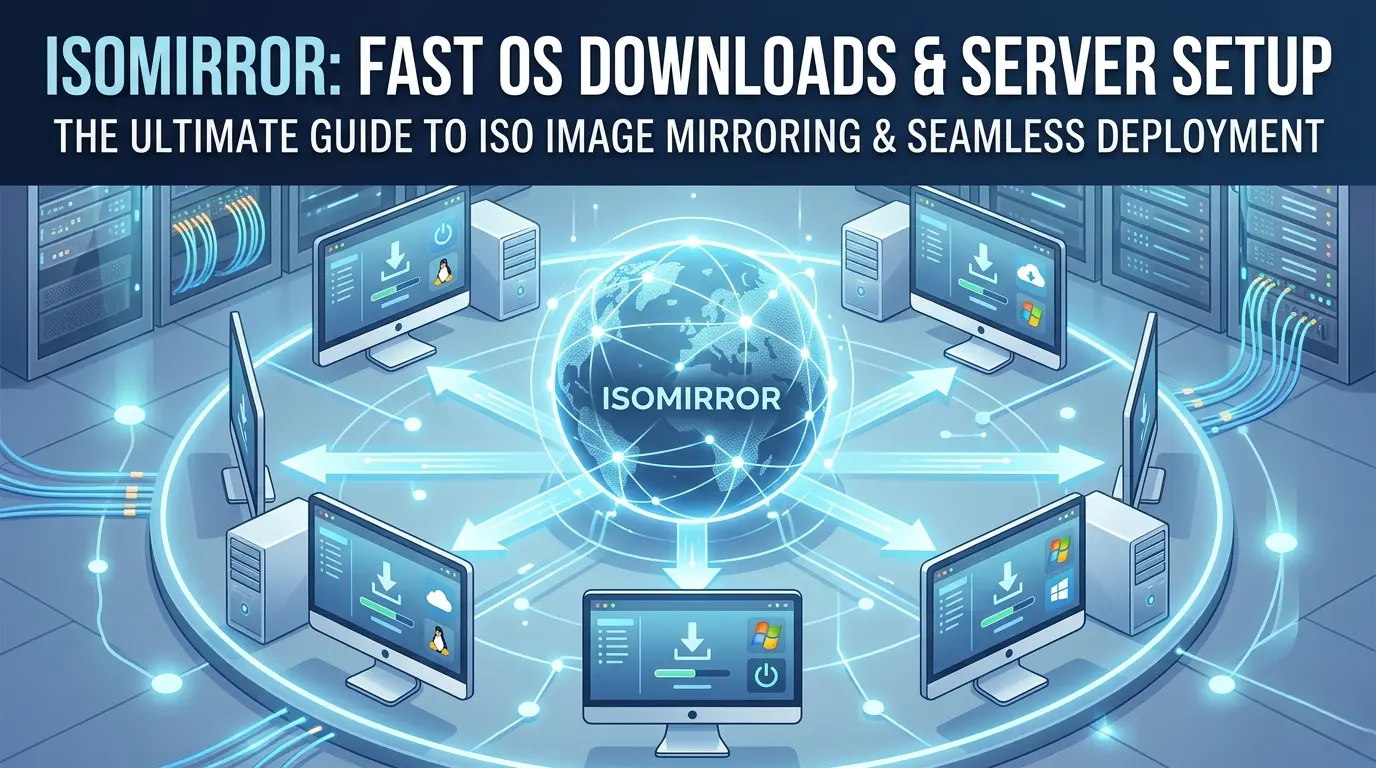
A dedicated server or local repository hosts exact duplicate copies of ISO disk image files. These images contain entire file systems, including operating systems, bootloaders, and pre-packaged applications. Because official hosts often experience heavy bandwidth throttling, an isomirror distributes network traffic across globally located nodes.

When you request a file through a local repository, the system automatically routes your download request to the nearest geographical node. Consequently, download latency drops significantly while transfer speeds increase. Furthermore, localized setups allow network administrators to deploy software locally without consuming external internet bandwidth.
Core Functions of Mirror Technology
- File Synchronization: Automatically updates disk images whenever upstream developers release new security patches or updates.
- Bandwidth Optimization: Reduces strain on main distribution servers while giving users top download speeds.
- High Availability: Guarantees uptime even if the primary software repository suffers an unexpected outage.
Key Benefits of Using IsoMirror Repositories
Using a public or private isomirror offers huge advantages over traditional direct download servers. Below are the primary benefits that make these systems essential for modern computing.
1. Lightning-Fast Download Speeds
Primary distribution servers often struggle when thousands of users attempt to download a new release simultaneously. The distribution network routes traffic away from congested hubs toward underutilized regional nodes. Therefore, you can download gigabyte-sized files in a fraction of the usual time.
2. Enhanced File Security and Integrity Checks
Reputable repository providers sync directly with original software authors. Additionally, they provide SHA-256 checksums alongside every image. As a result, you can verify that your downloaded file remains untouched by malicious third parties.
3. Offline Deployment and Local Network Caching
System administrators frequently configure internal nodes inside corporate networks. Consequently, IT teams can flash, install, or repair dozens of workstations simultaneously without clogging external bandwidth.
Popular Applications and Use Cases for IsoMirror
The flexibility of repository mirroring makes it popular across several tech domains. From open-source communities to enterprise IT environments, these workflows keep systems running smoothly.

Linux Distribution Repositories
Linux distributions like Ubuntu, Fedora, Debian, and Arch rely heavily on global network nodes. When you download an installation file, you are almost always pulling from a public server hosted by universities or tech institutions.
Virtual Machine Deployment and Cloud Testing
DevOps engineers rely on an isomirror setup to quickly spin up virtualized server instances. Because the files reside locally, server creation takes seconds instead of minutes.
System Recovery and Emergency Diagnostics
System repair toolkits often use a localized structure to provide quick access to bootable diagnostic utilities. Thus, technicians can recover unbootable systems without needing live internet access.
Step-by-Step Guide: How to Set Up Your Own Local IsoMirror
Building a local isomirror server inside your home lab or office network is surprisingly straightforward. Follow this quick setup workflow to get started.
Step 1: Prepare Storage and Environment
First, ensure your server has sufficient disk space. Most operating system images require anywhere from 2 GB to 10 GB each. Therefore, allocate at least 100 GB of dedicated storage for a robust repository setup.
Step 2: Install Synchronization Tools (rsync or wget)
Most upstream repositories support rsync for automated syncing. You can install rsync on Debian or Ubuntu systems using:
Bash
Step 3: Configure Automated Syncing
Next, create an automated cron job that syncs your local folder with your chosen upstream server every night:
Bash
Step 4: Host the Repository via Web Server
Finally, enable directory listing inside your Nginx or Apache configuration. Once enabled, any computer connected to your local network can browse and download files directly from your internal server.
Common Challenges and How to Fix Them
While a dedicated mirror offers remarkable reliability, occasional issues can occur. Here are practical solutions to common hurdles.
Out-of-Sync Files
If your repository fails to offer the latest software version, your cron job schedule might be misconfigured. Alternatively, the upstream node may be undergoing maintenance. Double-check your synchronization logs regularly to catch errors early.
Corrupted Downloads
Intermittent network drops can compromise your downloaded image file. Always run a SHA-256 or MD5 hash check against the official signature before writing an image file to a USB drive.
FAQs
Conclusion
Leveraging isomirror solutions is one of the smartest ways to optimize OS deployments, lower bandwidth costs, and eliminate download bottlenecks. By connecting to regional repositories or setting up your own local server, you gain fast, secure, and reliable access to critical disk images whenever you need them. Embrace these modern workflows today to supercharge your software distribution and recovery tasks!