
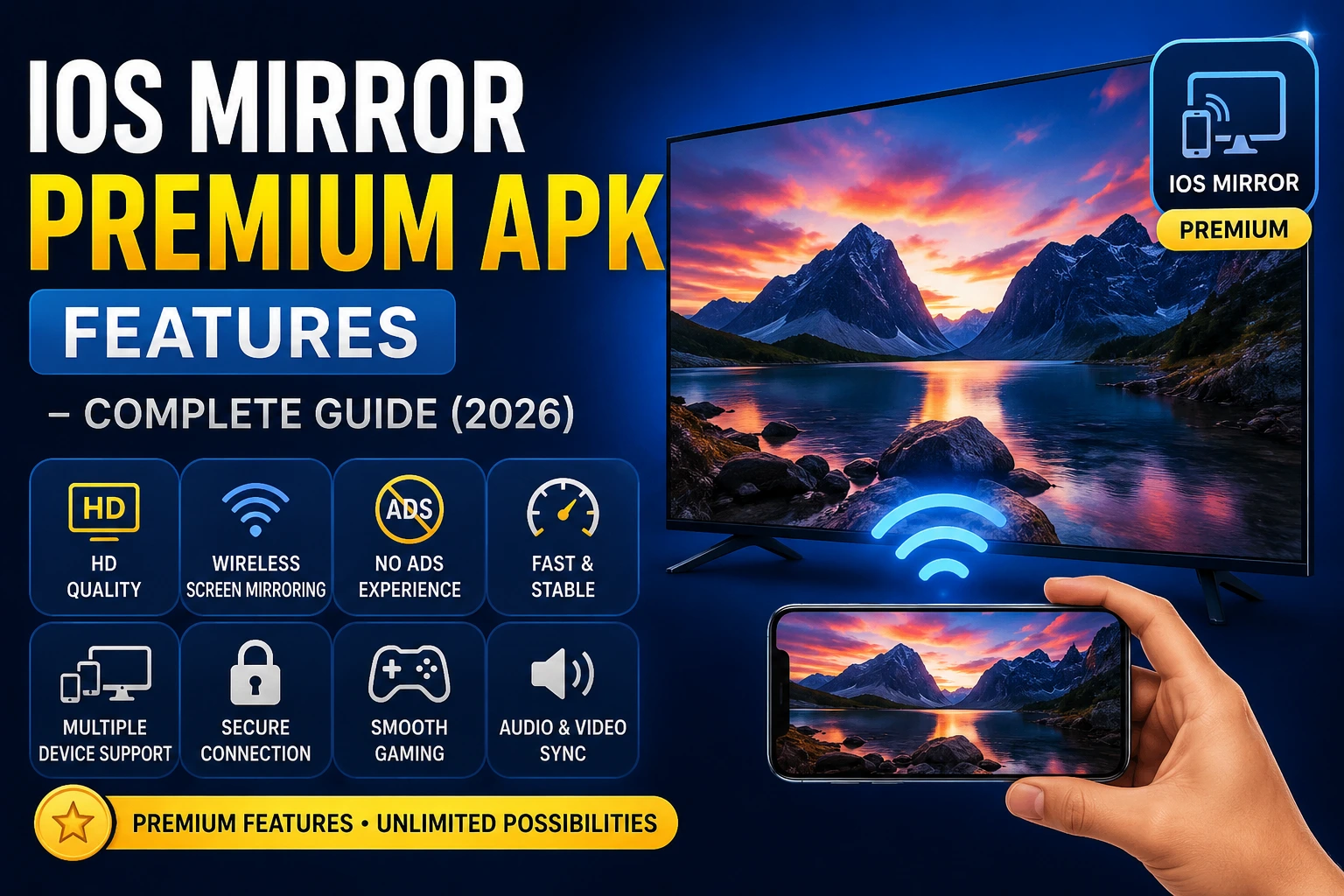
Connecting an iOS device to a non-Apple screen used to be a frustrating hassle. You had to deal with messy cables or poor streaming quality. Now, screen mirroring technology has changed completely. The IOS Mirror Premium APK (2026) offers a smooth, wireless solution for users. You can easily cast your iPhone or iPad to Android Smart TVs, Windows PCs, and projectors.
This complete guide explains everything about the IOS Mirror Premium APK. You will discover its top features, performance upgrades, and easy installation steps.
What is IOS Mirror Premium APK?
The IOS Mirror Premium APK is a modern screen-casting tool. It bridges the gap between iOS and non-Apple operating systems. The app uses AirPlay emulation to display your iPhone screen on Android devices or Windows displays wirelessly.
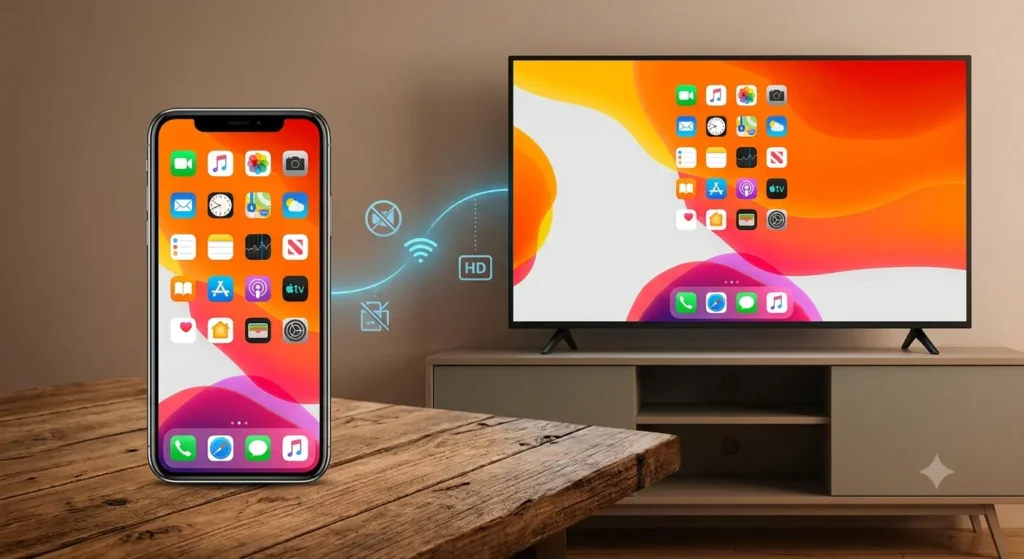
Unlike free mirroring tools, the premium unlocked version offers zero ads and no watermarks. It provides high-definition streaming with almost no latency. It works great for mobile gaming, business slideshows, and home cinema setups.
Core Features of IOS Mirror Premium APK (2026)
+---------------------------------------------------------------+
|                 IOS MIRROR PREMIUM APK (2026)                 |
+--------------------------+------------------------------------+
|  4K Ultra HD & 60 FPS    |  Zero Watermarks & No Ads          |
|  Dual-Audio Sync Tech    |  Multi-Device Split Screen         |
|  USB & Wi-Fi Dual Mode   |  Built-in 1080p Screen Recorder    |
+--------------------------+------------------------------------+
Ultra-HD 4K Resolution & 60 FPS Support
The app delivers crisp, crystal-clear visual performance. It supports 1080p Full HD and 4K Ultra HD display resolutions. The 60 frames-per-second (FPS) capability keeps fast-moving visuals smooth and jitter-free.
Low-Latency Wireless Streaming
Screen lag ruins gaming and video playback. IOS Mirror Premium uses optimized AirPlay protocols to drop latency below 30 milliseconds. This low delay gives you real-time feedback when navigating apps or playing fast action games.
Real-Time Dual Audio Synchronization
Free casting tools often fail to capture internal phone audio, forcing you to rely on bad microphone sound. This premium APK captures system audio directly inside the app. Video and audio stay perfectly synced when streaming movies or music.
100% Ad-Free Experience with No Watermarks
Pop-up ads disrupt presentations and video streams. The Premium version removes all banner ads, full-screen pop-ups, and brand watermarks. You get a clean canvas every time you cast your display.
Multi-Device Split Screen Cast
You can mirror up to four iOS devices on a single target display simultaneously. This split-screen feature works exceptionally well for multiplayer mobile gaming, side-by-side app comparisons, and collaborative meeting rooms.
One-Tap HD Screen Recording
The app features an integrated screen recorder. You can capture live screen shares, gameplay sessions, or video calls directly to your host device’s local storage in high-definition MP4 format.
Free vs. Premium Version Comparison
| Feature | Free Version | IOS Mirror Premium APK (2026) |
| Max Video Resolution | 720p HD | 1080p / 4K Ultra HD |
| Frame Rate Cap | 30 FPS | 60 FPS High-Speed |
| Watermark | Present on Screen | Completely Removed |
| Advertisements | Frequent Pop-ups | Zero Ads |
| Simultaneous Connections | 1 Device | Up to 4 Devices |
| Internal Audio Capture | Microphone Only / Laggy | Direct System Sync |
| Recording Time Limit | 5 Minutes | Unlimited HD Recording |
Technical Specifications & Requirements
Before installing the APK file, ensure your host target device meets these basic hardware specifications:
- Android OS Version: Android 5.0 (Lollipop) or higher.
- RAM Requirements: Minimum 2 GB (4 GB RAM recommended for 4K streaming).
- Storage Space: 50 MB of free storage space for installation.
- Network Connectivity: 2.4 GHz or 5 GHz Wi-Fi network (5 GHz recommended for 60 FPS performance).
- iOS Compatibility: Works with iOS 12.0 up to the latest iOS 18/19 updates.
How to Download & Install IOS Mirror Premium APK
Follow this quick guide to set up the receiver app on your Android device:
- Enable Unknown Sources: Open Settings on your Android device. Go to Security & Privacy and toggle on Install Apps from Unknown Sources.
- Download the APK File: Download the latest IOS Mirror Premium APK (2026) package from a verified, trustworthy website.
- Install the File: Open your device File Manager, locate the downloaded file, and tap Install.
- Grant App Permissions: Launch the installed application and grant required permissions for Network Access, Storage, and Display Over Other Apps.
How to Connect Your iPhone to Android TV or PC
1.Connect to the Same Wi-Fi Network:Network Pairing.
Connect your iPhone and your target receiver device (Android TV, Tablet, or PC) to the same Wi-Fi network.
2.Launch the Receiver App:Host Activation.
Open the IOS Mirror App on your target device. The software starts its AirPlay receiver service and displays its host name.
3.Open iOS Control Center:iPhone Navigation.
Swipe down from the top-right corner of your iPhone screen to open the Control Center.
4.Start Screen Mirroring:Final Sync.
Tap the Screen Mirroring (AirPlay) icon, select your host device name from the list, and your iPhone screen will project instantly.
Best Tips for Fast, Lag-Free Screen Mirroring
You can boost casting speeds and stop visual lag by using these optimization techniques:
Use a 5 GHz Wi-Fi Router
Standard 2.4 GHz networks suffer from wireless interference from nearby devices. Switching your router connection to a 5 GHz band increases bandwidth and drops screen latency significantly.
Clear Background Apps
Close heavy background applications running on both your iPhone and host Android display before starting your stream. Freeing up system RAM ensures smoother 60 FPS video playback.
Adjust Resolution Settings
If your network experiences signal drops, open the IOS Mirror app settings and change the resolution from 4K down to 1080p. Lowering bitrates helps maintain high frame rates over slower connections.
Is IOS Mirror Premium APK Safe to Use?
Security should always be your top priority when downloading third-party APK files. The IOS Mirror Premium APK does not require root access on your Android display. It uses standard local network protocols (AirPlay and DLNA) to mirror video streams safely.
Safety Warning: Always download APK packages from reputable software websites. Scan files with updated antivirus software before executing the installation package to prevent malware risks.
Frequently Asked Questions (FAQs)
Conclusion
The IOS Mirror Premium APK (2026) provides an exceptional solution for streaming iOS displays to non-Apple devices. It eliminates common mirroring issues like lag, low resolution, annoying ads, and watermarks. The app supports 4K resolution at 60 FPS, dual-audio sync, and multi-device casting. It turns your Android TV or Windows PC into a powerful presentation display.